Your media kit is already out of date: how to keep it current without redoing it
A handmade media kit is wrong as soon as your numbers move. Why brands notice, what you need to update, and how Reachy does it for you.
In this article 4 sections
You made your media kit three months ago. Since then, you’ve gained followers, one video did better than the rest, your engagement rate changed. Your kit hasn’t moved. When a brand opens it today, it reads the wrong numbers.
That’s not a detail. Numbers are the first thing a brand looks at, and the first thing it checks.
Why an outdated kit costs you partnerships
The brand checks
A partnership manager who gets your kit opens your profile within a minute. If the numbers don’t match, they wonder which ones are true. A kit showing more followers than your account does is the worst case: it looks like an inflated number, even if you wrote it in good faith six months ago.
You undersell yourself
The opposite mistake is more common. Your account grew, your kit shows the old numbers. You negotiate with a smaller audience than you actually have, and your rate follows.
You lose time with every send
Redoing a kit by hand means reopening the file, pulling the numbers from each platform, copying them over, exporting again. Across three platforms, that takes time every single time. The result: you put it off and send the old version.
What needs to be current, and what can wait
| Item | It changes | How often to update |
|---|---|---|
| Follower count | every day | current to the hour |
| Engagement rate | every week | current to the hour |
| Views | with every post | current to the hour |
| Bio, niche, tone | rarely | when your content changes |
| Formats and rates | now and then | when you revise your prices |
| Brands you’ve worked with | with every partnership | after each collaboration |
The first three rows are numbers the platforms already know. Copying them by hand is work a tool can do for you. The rest is yours to write, and it changes little.
How Reachy keeps your kit up to date
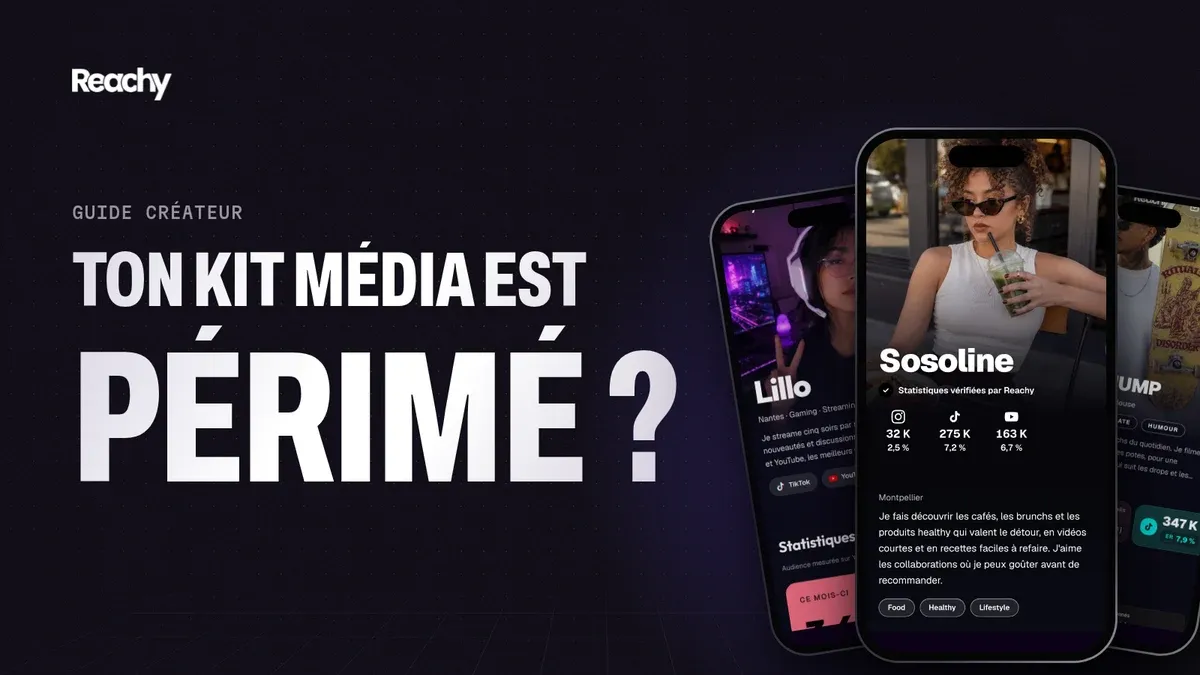
Your Reachy kit isn’t a file: it’s a web page, on a link of your own. You connect your Instagram, TikTok, YouTube, Facebook and Twitch accounts once. Then:
- Your numbers are read from your accounts, not typed in by you: followers, engagement rate, views. The kit updates at least every hour.
- Every night, during the beta, Reachy records your numbers on each platform. That’s what gives you your 30-day views, once your history has built up.
- The link doesn’t change. A brand that got it a month ago sees your current numbers when it opens it again.
- When you edit your bio or rates, the public page updates as soon as you save.
No more versions to send: you send your link once, and it stays accurate.
What’s left for you to do
- Write what the numbers don’t say: your niche, your tone, what your audience expects from you.
- Add your formats and rates, as ranges if you’d rather keep some room.
- Add the brands you’ve already worked with, after each collaboration.
- Send the link to brands, by email or direct message: they always see the latest version.
How often should you update your media kit?
Numbers that move fast (followers, views, engagement) should be current when the brand opens your kit. By hand, that means before every send. With a kit linked to your accounts, it happens on its own, without you thinking about it.
Can a brand tell my numbers are old?
Yes. All it takes is opening your profile: if your kit says 18,000 followers and your account shows 24,000, or the reverse, they see it in seconds. A gap on the high side casts doubt on the rest of the document.
How does Reachy update my media kit?
Your Reachy kit reads your followers, engagement rate and views on Instagram, TikTok, YouTube, Facebook and Twitch, and updates at least every hour. Your kit is a web page: the brand always sees the latest version on the same link.
Do I have to resend my kit after every update?
No. The link stays the same. A brand that got your link a month ago sees your current numbers when it opens it again.
Read next: How to create your media kit: the method, the checklist and examples.